
If you are setting up or maintaining a Z-Wave smart home, you might be familiar with the Aeotec Door/Window Sensor 7. It is a sleek, reliable sensor designed to monitor access points, but it has gone through different hardware iterations.
Specifically, there is a crucial, under-the-hood hardware difference between the ZWA011-A/B/C and the newer ZWA011-A/B/C02 model numbers. While they look practically identical from the outside, they require completely different power sources. Putting the wrong battery into your sensor will result in it not powering on at all.
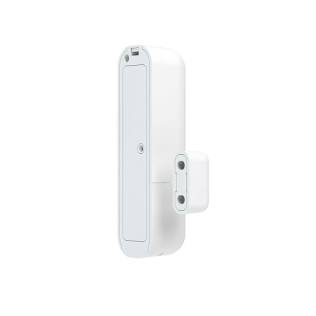
The distinction between these two models comes down entirely to the battery terminal hardware and the voltage the internal board expects. Here is exactly what you need to know about powering each specific version.
For Aeotec ZWA011-A, ZWA011-B, or ZWA011-C
The older hardware revision, the ZWA011-A/B/C, operates on a higher voltage and uses a Lithium Thionyl Chloride battery.
Required Battery: ER14250
Voltage: 3.6V
Note: Because this model requires 3.6 volts to operate correctly, a standard 3V battery will not provide enough power to reliably run the sensor or broadcast a strong Z-Wave signal.
For Aeotec ZWA011-A02, ZWA011-B02, or ZWA011-C02
The updated hardware revision, the ZWA011-A02, was redesigned to run on a lower voltage, making battery replacement slightly more flexible.
Primary Battery: CR14250
Voltage: 3.0V
The CR2 Workaround: While the official specification for the ZWA011--A02/B02/C02 calls for a CR14250, a standard CR2 (3V) battery will also fit and work perfectly. CR2 batteries are often much easier to find at local hardware stores or pharmacies than the more specialized 14250 sizes, making this a highly convenient alternative for the A02 model.
How to Find your Sensors Model Number
To locate the exact model number for your device, you will need to look inside the battery compartment.
Open the compartment: Remove the back cover or battery door from your device.
Remove the battery: Carefully lift the battery out of its housing.
Locate the label: The model number is printed on a sticker or engraved directly into the device housing underneath where the battery sits.